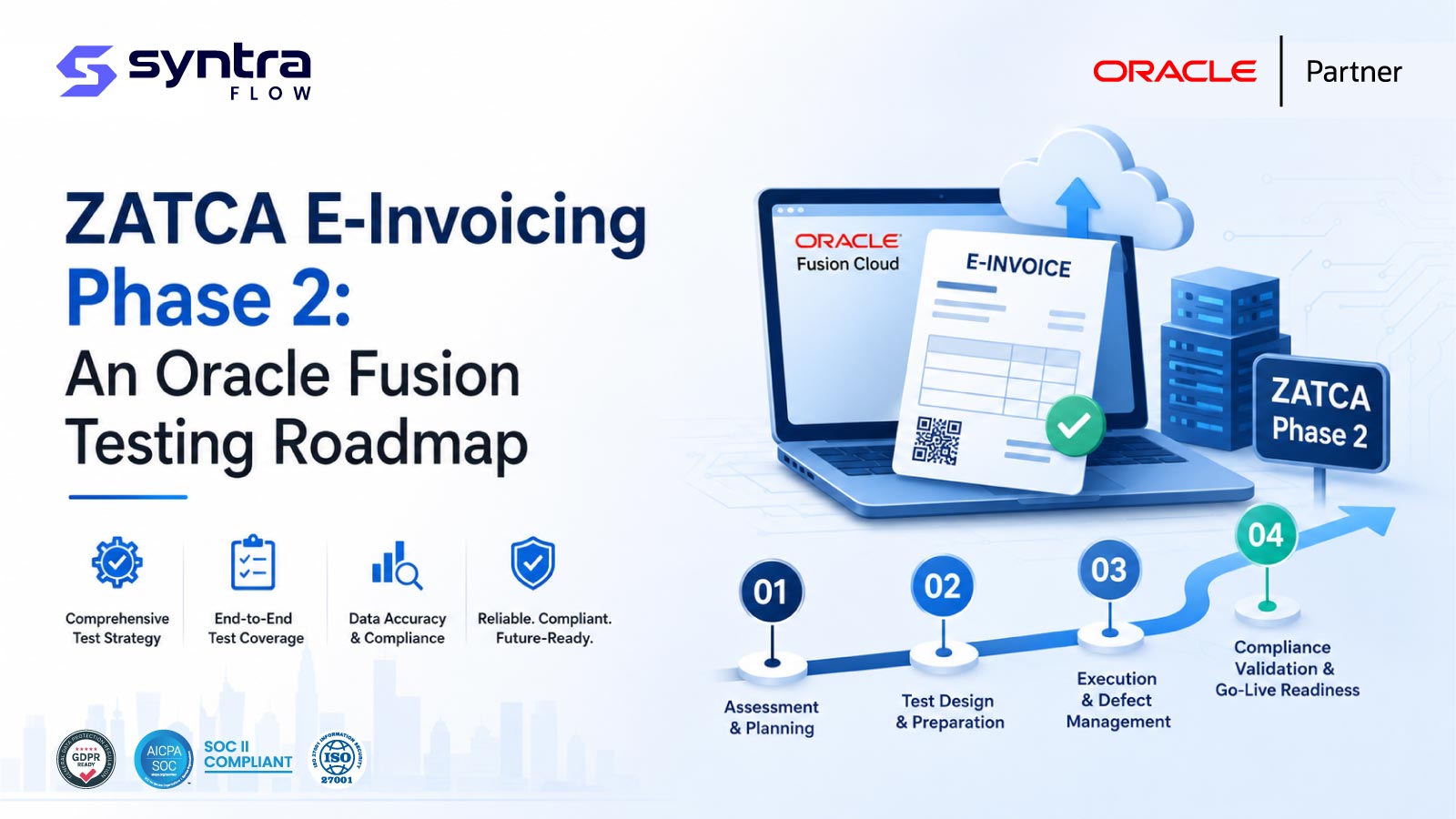
If your Saudi entity has been notified for a ZATCA Phase 2 wave, the core testing question is narrow and practical: can Oracle Fusion generate a compliant electronic invoice, get it cleared or reported through ZATCA's Fatoora platform, and handle the rejections and edge cases without breaking your order-to-cash flow? This roadmap lays out what to test in Fusion for the Integration Phase, in the sequence a Saudi Oracle team should test it, with a ready-to-use scenario matrix. It is written for QA and finance-systems teams, not as legal or tax advice — always confirm the current field, format, and timing requirements against ZATCA's own published guidance for your wave.
What Phase 2 actually changes for Oracle Fusion
ZATCA e-invoicing rolled out in two broad stages. Phase 1 (the Generation Phase) required businesses to stop issuing paper and free-form invoices and to generate structured electronic invoices with defined content. Phase 2 — the Integration Phase — is the step that materially affects your ERP: electronic invoices must be produced in the mandated format and then exchanged with ZATCA's Fatoora platform. In broad terms, standard tax invoices (typically B2B) follow a clearance model, where the invoice is submitted to ZATCA and validated before it is considered issued, while simplified invoices (typically B2C) follow a reporting model, where the invoice is issued and then reported to ZATCA within a defined window.
Phase 2 is being enforced in waves, with ZATCA notifying each group of taxpayers based on criteria it publishes and updates over time. Because the wave boundaries, onboarding timelines, and exact technical specifications are set by ZATCA and revised periodically, treat any threshold, date, or field list you carry over from an earlier project as provisional. The right posture for a test plan is to pin your scenarios to the specification version ZATCA has published for your onboarding window and re-validate when that specification changes.
For an Oracle Fusion team, Phase 2 touches several layers at once: the invoice data model and tax setup, the generated XML document, the cryptographic and QR elements, the integration that talks to Fatoora, and the exception paths when ZATCA responds with a warning or a rejection. Each of those is a distinct thing to test. This post is deliberately ZATCA-Phase-2-specific; if you need the wider view of Gulf compliance across ZATCA, WPS, and PACI in a single testing programme, start with our companion guide to Oracle Fusion GCC compliance testing and use this roadmap for the Phase 2 detail.
The five things to test in Oracle Fusion
A Phase 2 test plan for Fusion breaks cleanly into five test areas. Work through them roughly in order — format correctness before integration, integration before exception handling — because a defect in an early layer will mask or distort behaviour in the later ones.
1. Invoice generation and format
Before anything is transmitted, confirm that Fusion produces the electronic invoice document in the required structure for both invoice types. That means validating that the generated XML carries the mandatory header, seller, buyer, line, and tax elements, that Arabic and English content is represented correctly, and that VAT is calculated and presented as expected across your real transaction shapes — standard-rated, zero-rated, exempt, and any reverse-charge or nominal-supply cases you actually process. Test the document against the schema and business rules for the specification version you are onboarding under, rather than against assumptions. This is closely related to core Oracle invoice validation testing: the same discipline of asserting on generated invoice content, extended to the structured e-invoice document.
2. Clearance and reporting integration
This is the heart of Phase 2. For standard invoices, test the clearance round trip: Fusion submits the document, ZATCA validates it, and a cleared invoice with ZATCA's returned artefacts flows back into your process. For simplified invoices, test the reporting path and confirm the invoice is reported within the expected window and that the platform's acknowledgement is captured. Verify that device or solution onboarding — obtaining and using the credentials that authorise your system to talk to Fatoora — works end to end, and that both the production and the developer or simulation environments behave as your rollout plan assumes. Exercise VAT-relevant Oracle tax testing scenarios here too, because tax determination errors surface as clearance rejections.
3. QR code, hash, and cryptographic elements
Phase 2 invoices carry machine-readable and integrity elements — a QR code, a hash linking invoices in sequence, and a cryptographic stamp — that let ZATCA and buyers verify authenticity. Test that the QR code is present, scannable, and decodes to the expected content, that the invoice hash chain is continuous and correct across a run of consecutive invoices, and that the counter and previous-invoice-hash logic does not break when documents are voided, cancelled, or generated out of the expected order. Because the exact encoding and content of these elements are defined by ZATCA and can be revised, validate the decoded values against the current specification rather than a snapshot.
4. Exception and rejection handling
A test plan that only proves the happy path is not a Phase 2 test plan. ZATCA will return warnings and rejections, and clearance failures for a standard invoice can block a sale from completing. Deliberately submit invoices that should trigger validation failures — missing mandatory fields, malformed tax data, buyer identification problems, hash-chain breaks — and confirm Fusion surfaces the response, prevents a rejected standard invoice from being treated as issued, and gives your finance team a clear path to correct and resubmit. Test connectivity failures and timeouts as well: what happens to an invoice when Fatoora is unreachable at the moment of submission, and does the retry or queue behaviour preserve sequence and avoid duplicates?
5. Wave onboarding and regression
Onboarding is itself a testable event. Validate the cutover for the specific legal entities and registrations in your notified wave, confirm that entities not yet in scope continue to operate under their current rules, and rehearse the switch on a representative environment before the live date. Then treat Phase 2 as a standing regression concern: Oracle's quarterly Fusion updates, your own configuration changes, and ZATCA specification revisions can each disturb a previously compliant flow. A repeatable regression pack that re-runs your clearance, reporting, QR, and exception scenarios after every change is what keeps compliance from silently drifting. Broader Oracle ERP testing practices apply directly here.
Phase 2 test scenario matrix
The matrix below is a starting scaffold you can expand for your own entity. Fill the expected results against the specification version ZATCA has published for your wave — the descriptions here are intentionally general and are not a substitute for the current authority guidance.
| Test area | Scenario | Invoice type | Expected behaviour to assert |
|---|---|---|---|
| Generation & format | Standard-rated domestic sale | Standard (B2B) | Valid XML with all mandatory elements; VAT calculated and presented correctly |
| Generation & format | Zero-rated / exempt supply | Standard (B2B) | Correct tax category and reason represented; totals reconcile |
| Generation & format | Bilingual (Arabic / English) content | Both | Arabic and English fields render and encode correctly |
| Clearance integration | Submit standard invoice for clearance | Standard (B2B) | Cleared response and returned artefacts captured before issuance |
| Reporting integration | Report simplified invoice within window | Simplified (B2C) | Acknowledgement received and stored; timing within expected window |
| QR / hash | Scan QR on issued invoice | Both | QR decodes to expected content per current spec |
| QR / hash | Consecutive invoices, then a void | Both | Hash chain and counter remain continuous and correct |
| Exception handling | Missing mandatory field | Standard (B2B) | Rejection surfaced; invoice not treated as issued; resubmit path works |
| Exception handling | Fatoora unreachable at submission | Both | Retry / queue preserves sequence; no duplicate submission |
| Wave onboarding | Cutover for notified legal entity | Both | In-scope entity integrates; out-of-scope entities unaffected |
How this differs from a broad GCC compliance plan
A general Gulf compliance programme spreads its attention across payroll wage protection, national identity data, gratuity, and tax filing at once, and validates that Fusion satisfies each regime at a policy level. Phase 2 e-invoicing needs something more specific: it is a real-time integration with an external government platform that can block a transaction mid-flow. That changes the testing emphasis toward round-trip behaviour, cryptographic correctness, and failure paths — concerns that a broad compliance checklist tends to under-weight. If you are scoping the wider effort, read the GCC compliance testing overview for the full landscape, and use this roadmap as the deep dive for the ZATCA Integration Phase. For the SoD and controls angle on Saudi tax, our ZATCA and Oracle resource is a useful companion.
How SyntraFlow helps
SyntraFlow can be configured to run the kind of repeatable, scenario-driven Phase 2 test pack described here across your Oracle Fusion environments — generating invoices, asserting on the produced document, exercising the clearance and reporting paths, and re-running the set as a regression suite after Oracle updates or configuration changes. Because ZATCA specifications and wave criteria change over time, SyntraFlow helps organizations assess whether a previously compliant flow still behaves as expected, and it can connect release intelligence with test planning so a quarterly Fusion update does not quietly break your e-invoicing integration. SyntraFlow does not replace ZATCA's own validation or constitute tax advice; it gives your team a way to test the Fusion side systematically and to keep evidence of that testing as your rollout progresses.