Oracle AI Adoption and Implementation Guide
Oracle AI adoption succeeds or fails based on sequence, not enthusiasm. Organizations that switch on Oracle's embedded AI and AI agents as a single feature toggle — for every user, every process, all at once — tend to generate rework, governance gaps, and user distrust. A more reliable approach follows a defined order: outcomes and use cases first, then readiness, licensing, and governance, then data and agent configuration, then a pilot, testing, training, measurement, and finally staged scaling.
This guide lays out that 12-step Oracle AI adoption process end to end. It sits under the Oracle AI hub and intentionally stays at the rollout-sequencing level — each step links out to a dedicated page for the deep detail on readiness scoring, governance controls, or test coverage rather than repeating it here.
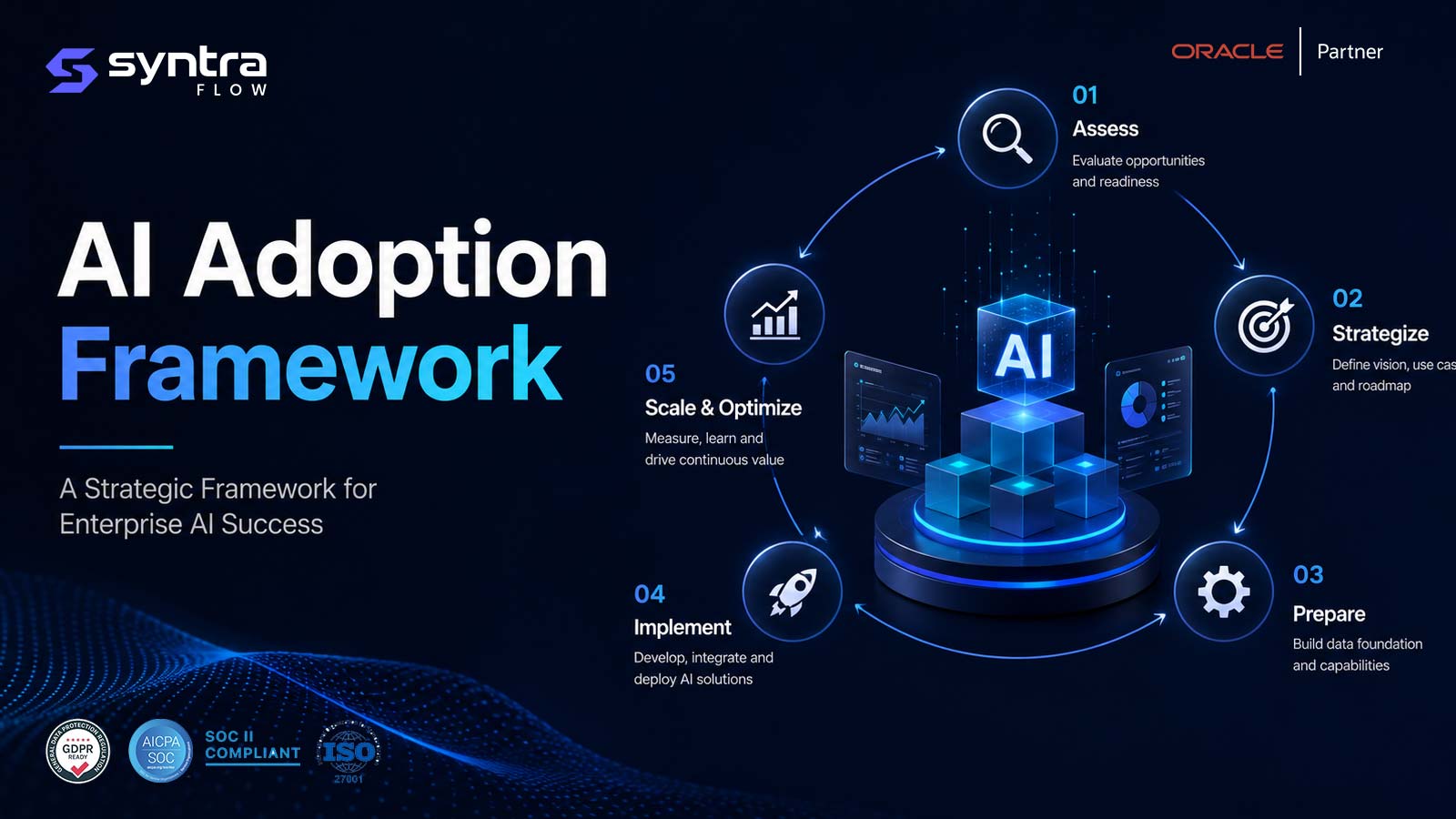
The 12-Step Oracle AI Adoption Roadmap
Each stage builds on the one before it. Skipping ahead — configuring agents before governance is set, or scaling before a pilot has cleared its exit criteria — is the single most common cause of stalled Oracle AI rollouts.
| Step | Stage | Primary objective | Depth resource |
|---|---|---|---|
| 1 | Define business outcomes | Set measurable targets tied to a process owner | — |
| 2 | Prioritise use cases | Rank candidates by impact, feasibility, risk | — |
| 3 | Assess readiness | Score data, process, security, and change readiness | AI Readiness |
| 4 | Confirm licensing & availability | Verify what's actually enabled in your tenant | — |
| 5 | Establish governance | Set approval gates, ownership, and audit trails | AI Governance |
| 6 | Prepare data & security | Clean source data and scope access controls | — |
| 7 | Configure or build agents | Set up pre-built agents or extend with the studio | AI Agent Studio |
| 8 | Pilot deployment | Run a limited rollout with defined exit criteria | — |
| 9 | Test and validate | Build repeatable, release-aware test coverage | AI Testing |
| 10 | Train users | Role-specific guidance on what to check and escalate | — |
| 11 | Measure adoption & value | Track usage, overrides, and outcome metrics | — |
| 12 | Scale across applications | Expand deliberately, repeating steps 3–9 per scope | — |
Steps 1–6: Foundations — From Outcomes to Data Readiness
Define Business Outcomes
Before evaluating any Oracle AI capability, define what success means in business terms — faster invoice cycle time, fewer manual reconciliations, quicker candidate screening. Outcomes need to be specific enough to measure (a percentage, a day count, an error rate) and assigned to a named process owner. Without this step, pilots stall because there's no agreed way to say whether the AI actually helped.
Prioritise Use Cases
Rank candidate use cases by business impact, data availability, and the blast radius if the AI gets it wrong. High-volume, low-judgment tasks — matching, classification, drafting — are generally safer starting points than high-judgment, low-volume decisions such as compensation changes. A simple impact/feasibility/risk scoring matrix keeps prioritisation objective rather than driven by whichever team asks loudest.
Assess Readiness
Readiness spans data quality, process documentation, security posture, and organizational appetite for change — not just whether the Oracle licence includes the AI feature. Run this assessment before committing to a rollout date, because gaps found late become schedule risk. The Oracle AI Readiness page covers the specific dimensions to score and how to interpret the result; this step is about scheduling that assessment into the plan.
Confirm Licensing and Availability
Oracle AI capabilities are packaged differently across Fusion pillars, and availability varies by data-centre region, update train, and whether a feature is opt-in. Confirm directly with Oracle exactly which agents and generative features are licensed and enabled in your environment before promising a use case to the business. The gap between an Oracle roadmap announcement and a capability actually being live in your tenant is a frequent, avoidable source of delay.
Establish Governance
Governance decides who can enable an agent, what approval gates sit between an AI-generated action and its execution, and how decisions get logged for audit. It needs to exist before configuration begins, not be retrofitted after the first agent is already live. The Oracle AI Governance page covers the control framework and approval-gate design in full; this step is about sequencing governance ahead of build.
Prepare Data and Security
AI agents and generative features are only as reliable as the data and access controls behind them. Confirm role-based access is correctly scoped before an agent is given read or write access to a process, and clean up known data-quality issues — duplicate suppliers, stale employee records — that would otherwise propagate into AI outputs. Security review should cover what data the AI can see, retain, and act on, not just whether the feature is switched on.
Steps 7–12: Build to Scale — From Configuration to Enterprise Rollout
Configure or Build Agents
With outcomes, readiness, governance, and data addressed, configuration can begin — using Oracle's pre-built agents where they fit, or extending with AI Agent Studio where they don't. The choices made here (prompts, guardrails, data sources, human-approval checkpoints) directly determine what needs testing next. See Oracle AI Agent Studio for what the studio covers and how extension agents differ from pre-built ones.
Pilot Deployment
Deploy to a limited, representative group — one business unit, one process, one region — before any broader release. Run the pilot long enough to surface edge cases (unusual invoices, atypical employee requests), not just the happy path, and define exit criteria up front: the specific metrics that must be met before scaling. A pilot that quietly becomes "the rollout" without ever being formally exited is a governance gap, not a success.
Test and Validate
Every AI agent and generative feature needs testing against expected and adversarial inputs, both before go-live and after each Oracle quarterly update — because AI behaviour can shift with a model or configuration change even when nothing in your own setup changed. The Oracle AI Testing page covers what to test and how to build repeatable coverage. SyntraFlow can be configured to extend release-aware regression testing across the underlying Oracle processes an agent touches, alongside the AI-specific validation described there — see the Oracle ERP Testing Tool.
Train Users
Users need to know what the AI is doing, what to check before accepting its output, and how to escalate when something looks wrong. Training should be role-specific — a processor approving AI-suggested matches needs different guidance than a manager reviewing an agent-drafted communication — and refreshed whenever configuration or governance rules change, not delivered once at launch.
Measure Adoption and Value
Track usage against the outcomes defined in step 1: adoption rate by role, time saved, exception rate, and override or reject rate. A high override rate is a signal worth investigating, not ignoring — it usually means the agent is misconfigured for that use case, not that users are simply resistant. Report results to the same process owners who defined the outcome, on a fixed cadence.
Scale Across Applications
Once a use case clears its pilot exit criteria, expand deliberately — by business unit, geography, or Oracle module — repeating the readiness, governance, and testing steps for each new scope rather than assuming the first rollout covered every case. Scaling is also the point to consolidate lessons: which governance rules needed adjusting, what training gaps appeared, and which test cases the first rollout missed.
Common Oracle AI Adoption Mistakes
Most failed or stalled Oracle AI rollouts trace back to one of a small set of repeatable mistakes — usually a step skipped or taken out of order, rather than a flaw in the AI itself.
| Mistake | Why it happens | What it costs | Fix |
|---|---|---|---|
| Skipping the readiness assessment | Pressure to "just turn it on" | Rollout stalls when data or security gaps surface mid-deployment | Assess readiness before scheduling a go-live date |
| Enabling agents with no human-approval gate | Assuming Oracle's default guardrails are sufficient | Agent actions execute before governance can catch an error | Require approval on agent actions during initial weeks |
| Treating one pilot as proof it's safe everywhere | Pressure to show fast, enterprise-wide ROI | A configuration that fit one business unit misfires against different data or process elsewhere | Repeat readiness and testing for each new scope before scaling |
| Not testing before scaling, or after updates | Assuming AI behaviour is static once configured | Quarterly updates silently change agent behaviour, undetected until a user complains | Build repeatable, release-aware test coverage |
| Treating AI output as ground truth | Fluent, confident-looking output feels authoritative | Errors a human would have caught get processed as fact | Keep exception review and spot-checks even after an agent is trusted |
| No named business owner for outcomes | Adoption treated as a pure IT project | No one can say whether adoption is actually working; funding and support erode | Assign a process owner accountable for the metric defined in step 1 |
| Confusing "announced" with "licensed and enabled" | Reading Oracle roadmap news as current tenant state | Rollout dates get promised to the business that Oracle can't yet support | Confirm licensing and availability directly with Oracle before committing dates |
| Under-training users | Assuming the interface is self-explanatory | Users either blindly trust or completely ignore AI suggestions | Deliver role-specific training, refreshed with each governance or config change |
| Treating go-live as the finish line | Adoption tracked as a project milestone, not an ongoing program | Usage erodes after initial launch enthusiasm with no one watching | Track adoption and value metrics on a fixed cadence after launch |
Go Deeper on Each Stage
This guide covers the rollout sequence. For the detailed frameworks behind each stage, use these dedicated pages.
Oracle AI Readiness
Score data, process, security, and organizational readiness before you commit to a rollout date.
Oracle AI Governance
Approval gates, ownership models, and audit trails for AI agents and generative features.
Oracle AI Testing
What to test, how to build repeatable coverage, and how to handle quarterly-update drift.
Oracle AI Agent Studio
How pre-built and extension agents are configured, and what that means for testing.
Oracle AI Best Practices
Practical, ongoing guidance for running Oracle AI responsibly once it's live.
Oracle AI Hub
The full picture of Oracle's AI agents, embedded AI, and AI Agent Studio.
Frequently Asked Questions
What's the right order to adopt Oracle AI features?
▼
Start with business outcomes and use-case prioritisation, then assess readiness and confirm licensing, then establish governance before any agent is configured. Data and security preparation, a pilot, testing, training, measurement, and staged scaling follow in that order. Configuring agents before governance is set, or scaling before a pilot has cleared its exit criteria, is the most common way rollouts go wrong.
How long does an Oracle AI adoption rollout typically take?
▼
Timelines vary widely with scope, but a single well-defined use case — readiness through pilot exit — commonly runs several weeks to a few months, with the readiness, governance, and testing steps taking longer than the agent configuration itself. Scaling to additional business units or modules should be treated as a repeat of the core steps for each new scope, not a one-time afterthought.
Do we need a formal governance framework before piloting Oracle AI agents?
▼
Yes. Even a limited pilot needs defined approval gates, ownership, and an audit trail, because agents can take actions inside live Oracle processes. Retrofitting governance after a pilot is already running is harder than setting it up first, and it leaves a gap where actions occurred with no formal oversight. See Oracle AI Governance for the control framework.
Should we test Oracle AI agents before every quarterly update?
▼
Yes, both before go-live and after each Oracle quarterly update. AI behaviour can shift with a model or configuration change even when your own setup hasn't changed, so a test pack that only runs once at launch will miss drift introduced later. The Oracle AI Testing page covers what a repeatable test pack should include.
What's the difference between Oracle's pre-built AI agents and AI Agent Studio?
▼
Pre-built agents are Oracle-delivered and cover standard, common scenarios within Fusion applications. AI Agent Studio is used to configure or extend agents for scenarios the pre-built options don't cover. Which path you take affects what needs testing and how governance approval gates should be defined. See Oracle AI Agent Studio for the distinction in full.
How do we measure whether Oracle AI adoption is succeeding?
▼
Against the outcome metrics defined at the start — not against go-live as a milestone. Track adoption rate by role, time saved, exception rate, and the override or reject rate, and report on a fixed cadence to the process owner accountable for the outcome. A rising override rate usually points to a configuration issue worth investigating, not user resistance to dismiss.
What's the biggest reason Oracle AI rollouts stall?
▼
Taking steps out of order — most often configuring or enabling agents before readiness and governance are addressed. Gaps in data quality, access control, or approval processes that would have surfaced in a readiness assessment instead surface mid-rollout, where they're more disruptive and more expensive to fix.
Can SyntraFlow help with Oracle AI adoption?
▼
SyntraFlow's own product is a testing and release-intelligence platform for Oracle Fusion, not an owner of your AI adoption program. Where it fits is downstream of configuration: SyntraFlow can be configured to extend release-aware regression testing across the Oracle processes your AI agents touch, complementing the AI-specific validation covered on the Oracle AI Testing page. See the Oracle ERP Testing Tool for details.
Bring Testing Discipline to Your Oracle AI Rollout
Steps 9 and 12 of this guide — testing and scaling — are where AI adoption most often breaks down after go-live. SyntraFlow can be configured to extend release-aware regression testing across the Oracle processes your agents touch, so drift from a quarterly update surfaces before your users find it.